Model Capabilities
Video Overview
Grok Imagine video models turn a set of references, a still image, an existing clip, or a prompt into video with generated audio. grok-imagine-video-1.5 generates lip-synced speech, renders text-to-video and image-to-video at native 1080p, takes up to 14 reference images and 3 voice references, and pins first, last, and mid-video frames, in clips up to 15 seconds. grok-imagine-video-1.5-lite does text-to-video and image-to-video with lip-synced speech at the lowest price per second, reaching 1080p by upscaling 720p. We recommend grok-imagine-video-1.5-lite for simple videos, and grok-imagine-video-1.5 when you need references, voices, pinned frames, or native 1080p.
Requests are asynchronous: submit, poll with the returned request_id, then download the clip. The xAI SDK and the Vercel AI SDK poll for you (how it works).
| Capability | Highest quality, references, voices, and pinned frames | Lowest price, text and image to video | Video editing and extension |
|---|---|---|---|
| Modes | |||
| Text-to-video | Up to 1080p, native | Up to 1080p, upscaled from 720p | Up to 720p |
| Image-to-video | Up to 1080p, native | Up to 1080p, upscaled from 720p | Up to 720p |
| Reference images | Up to 14 images, 15 s, 720p | — | Up to 7 images, 10 s, 720p |
| Voice references | Up to 3 voices | — | — |
| First & last frame | — | — | |
| Keyframes | Up to 4 mid-video frames | — | — |
| Video editing | — | — | Source up to 8.7 s |
| Video extension | — | — | Adds 2–10 s |
| Output | |||
| Duration | 1–15 s | 1–15 s | 1–15 s |
| Resolution | 480p, 720p, 1080p | 480p, 720p, 1080p | 480p, 720p |
| Aspect ratio | 1:1, 16:9, 9:16, 4:3, 3:4, 3:2, 2:3, 21:9, 5:2 | 1:1, 16:9, 9:16, 4:3, 3:4, 3:2, 2:3, 21:9, 5:2 | 1:1, 16:9, 9:16, 4:3, 3:4, 3:2, 2:3, 21:9, 5:2 |
| Image-to-video aspect ratio | Automatic: matches the input image | Automatic: matches the input image | Automatic: matches the input image |
| Audio | Native audio with lip-synced speech | Native audio with lip-synced speech | Generated audio |
| Price per second | 480p $0.08720p $0.141080p $0.25 | 480p $0.02720p $0.031080p $0.14 | 480p $0.05720p $0.07 |
Reference-to-video
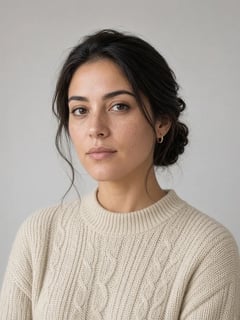
Reference images supply the characters, products, and locations without fixing the first frame: up to 14 per request on grok-imagine-video-1.5, 7 on grok-imagine-video. On grok-imagine-video-1.5, reference_audios gives up to three characters a preset voice, with lip-synced speech. Voice references from your own audio files are available to trusted partners on request.
- Lena
- Sam

- Café
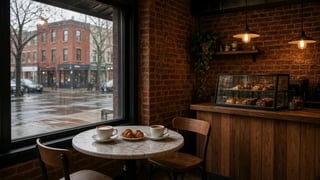
Sam: “I took the job in Berlin. We could leave in March.” Lena: “We? You didn’t even ask me.” Sam: “I thought you’d be happy for me.” Lena: “I am. I just thought we would… chat through it first then decide.”
grok-imagine-video-1.5 · 720p · 15 s · 16:9
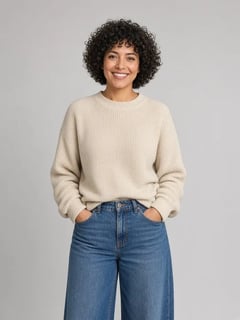
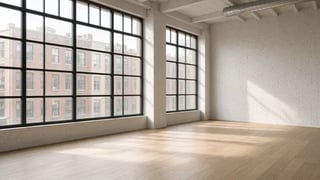
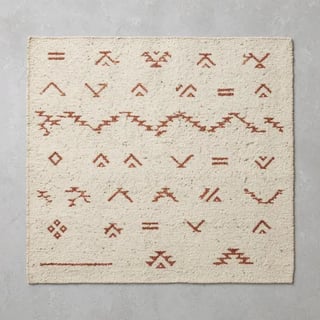
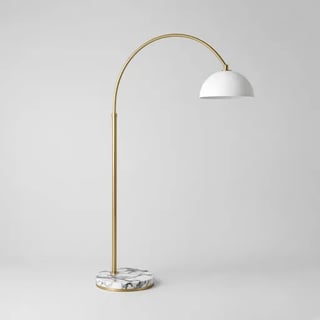
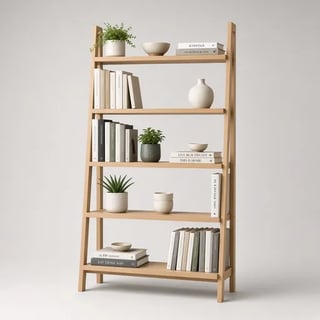
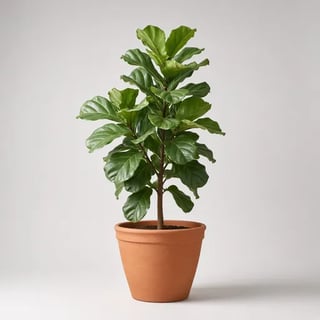
14 reference images and a preset voice: a model, a room, and 12 catalog products
- Modelvoice ursa
 0
0 - Room
 1
1 - Sofa
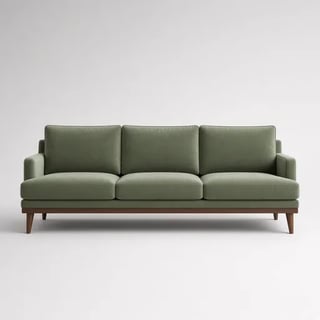 2
2 - Armchair
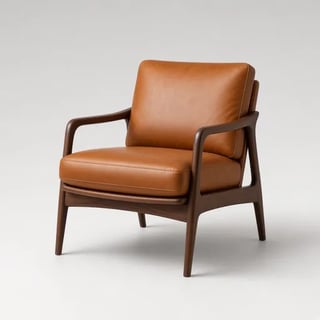 3
3 - Coffee table
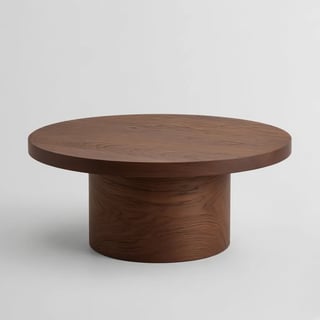 4
4 - Side table
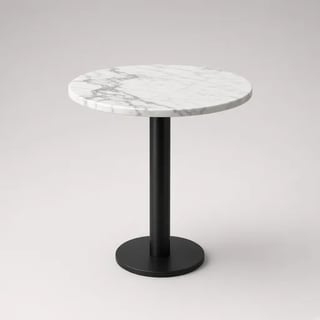 5
5 - Rug
 6
6 - Floor lamp
 7
7 - Bookshelf
 8
8 - Plant
 9
9 - Wall art
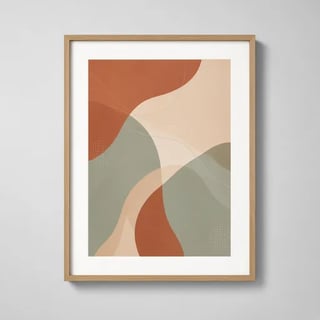 10
10 - Throw
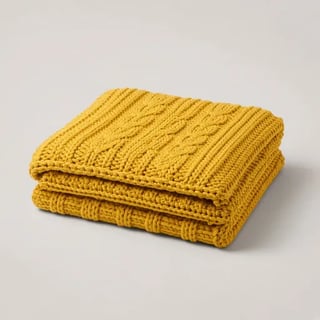 11
11 - Cushions
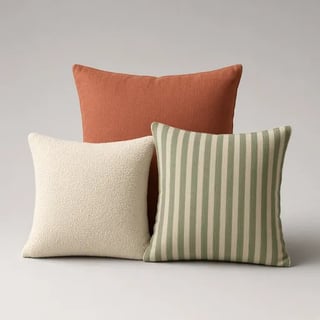 12
12 - Vase
 13
13
She says: “Welcome to my dream living room.”
grok-imagine-video-1.5 · 720p · 15 s · 16:9 · 1 preset voice
First, key, and last frames
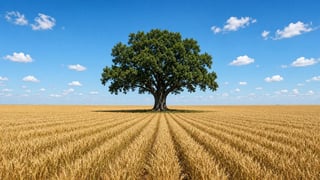
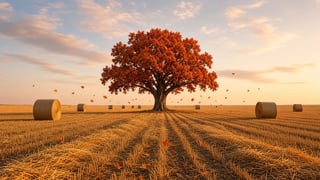
On grok-imagine-video-1.5, image sets the first frame, last_frame the last, and up to four keyframes pin frames at chosen timestamps; the model fills in the motion. Pass the same image as image and last_frame to make a loop.
- image + last_frame
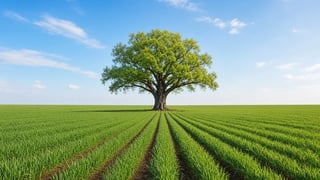
- keyframe3 s
- keyframe6 s
- keyframe9 s

grok-imagine-video-1.5 · 720p · 12 s · 16:9
Image-to-video
The still you pass as image becomes the first frame, and the prompt describes what happens next. The output always matches the still's aspect ratio; aspect_ratio is ignored.

grok-imagine-video-1.5 · 1080p · 8 s
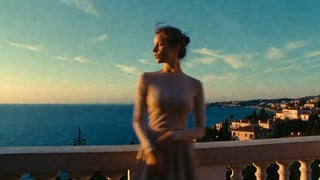
grok-imagine-video-1.5 · 720p · 8 s
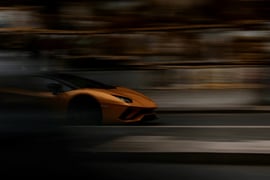
grok-imagine-video-1.5 · 720p · 12 s
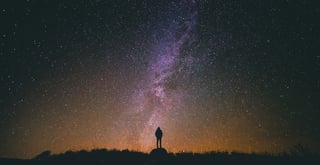
grok-imagine-video-1.5 · 720p · 12 s
Text-to-video
Describe the shot, including camera movement, lighting, and sound. On grok-imagine-video-1.5 and grok-imagine-video-1.5-lite, the model renders a first frame from the prompt, then animates it.
grok-imagine-video-1.5 · 720p · 10 s · 16:9
grok-imagine-video-1.5 · 720p · 10 s · 16:9
grok-imagine-video-1.5 · 1080p · 16:9
grok-imagine-video-1.5 · 720p · 8 s · 16:9
Video editing
Send a clip and an instruction to grok-imagine-video. It applies the change and keeps everything else as close to the source as it can; say what must stay the same, as these prompts do.
grok-imagine-video
Related
- Video Generation: Configuration, polling, and error handling
- Image-to-Video: Animate a still image
- Reference-to-Video: References, voices, and pinned frames
- Video Editing and Video Extension: Change or continue an existing clip
- Models: Pricing and rate limits for every video model
Last updated: October 8, 2026