Model Capabilities
Image-to-Video
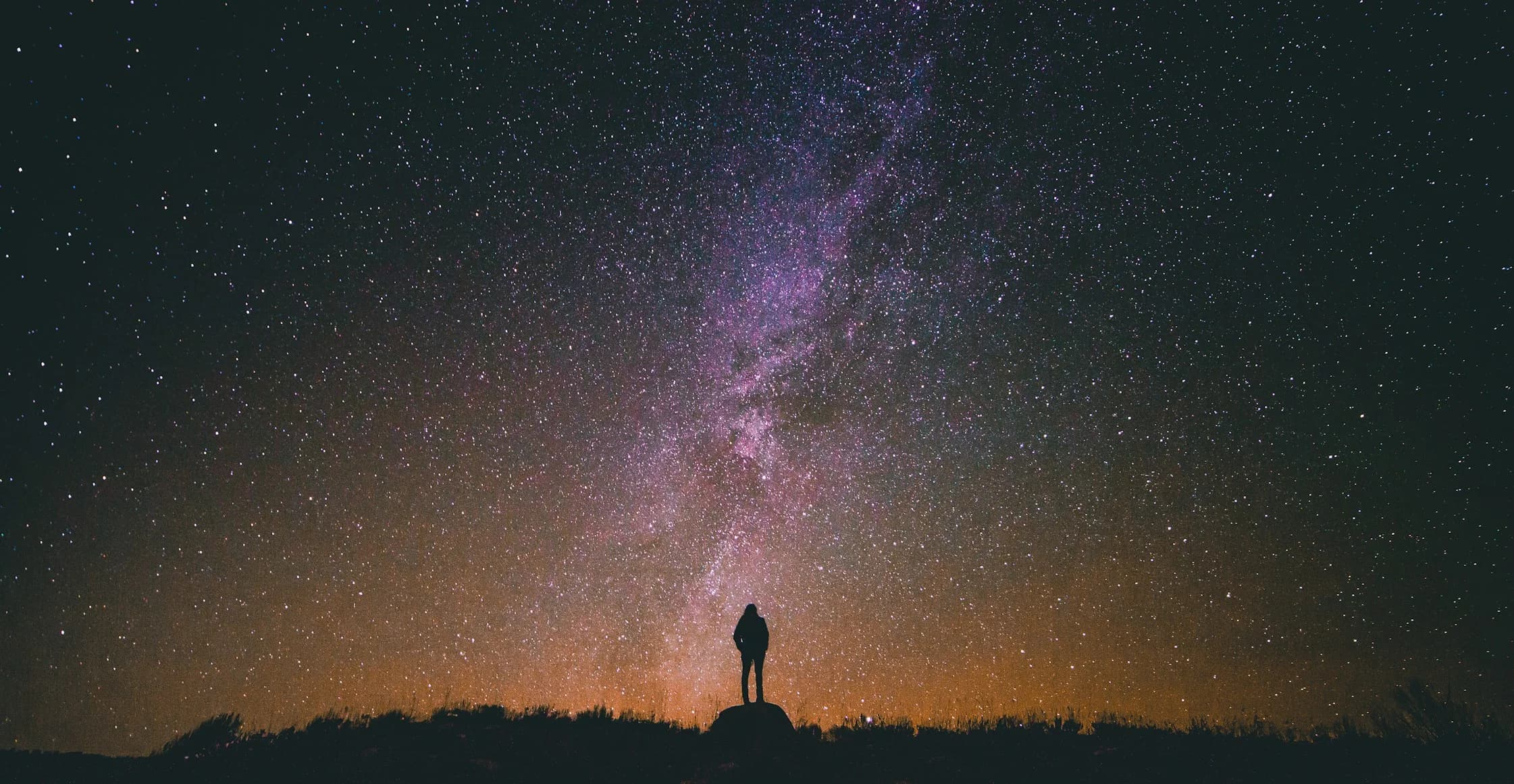
Transform a still image into a video by providing a source image along with your prompt. The model animates the image content based on your instructions.
You can provide the source image as:
- A public URL pointing to an image
- A base64-encoded data URI (e.g.,
data:image/jpeg;base64,...) - A
file_idfrom the Files API — see Imagine → Files API Integration
The demo below shows this in action; hold to animate a still image:
Loading video…
Hold to animate
Playing
import osimport xai_sdkclient = xai_sdk.Client(api_key=os.getenv("XAI_API_KEY"))response = client.video.generate( prompt="Generate a slow and serene time-lapse", model="grok-imagine-video-1.5", image_url="https://docs.x.ai/assets/api-examples/video/milkyway-still.png", duration=12,)print(response.url)In the Vercel AI SDK, the prompt parameter accepts an object with image and text fields for image-to-video generation. The image field can be a URL string, base64-encoded string, Uint8Array, ArrayBuffer, or Buffer.
Related
- Video Generation — Generate videos from text prompts
- Reference-to-Video — Guide a video with reference images
- Video Editing — Edit existing videos
- API Reference — Full endpoint documentation
- Imagine API Landing Page — Showcase of the Imagine API in action
Last updated: May 26, 2026