Model Capabilities
Multi-Image Editing
Use up to three source images for a single image edit. You can specify images in the order they are sent in the request. By default, the output aspect ratio follows the first input image. You can override this by setting the aspect_ratio parameter to a specific ratio, such as "1:1" or "16:9".
Each source image can be a public URL, a base64-encoded data URI, or a file_id from the Files API — and you can mix kinds within a single request. See Imagine → Files API Integration for file_id details and examples.
Click to select
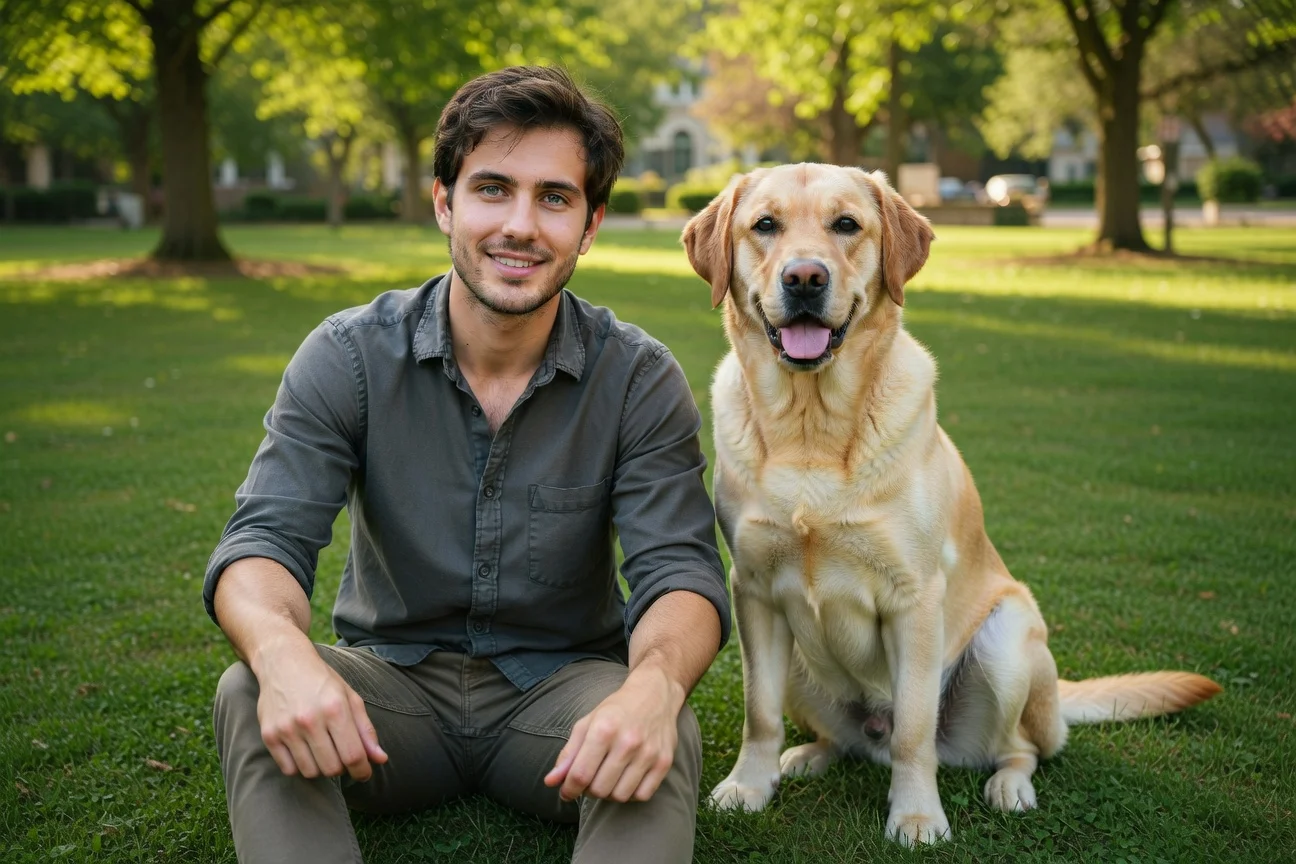
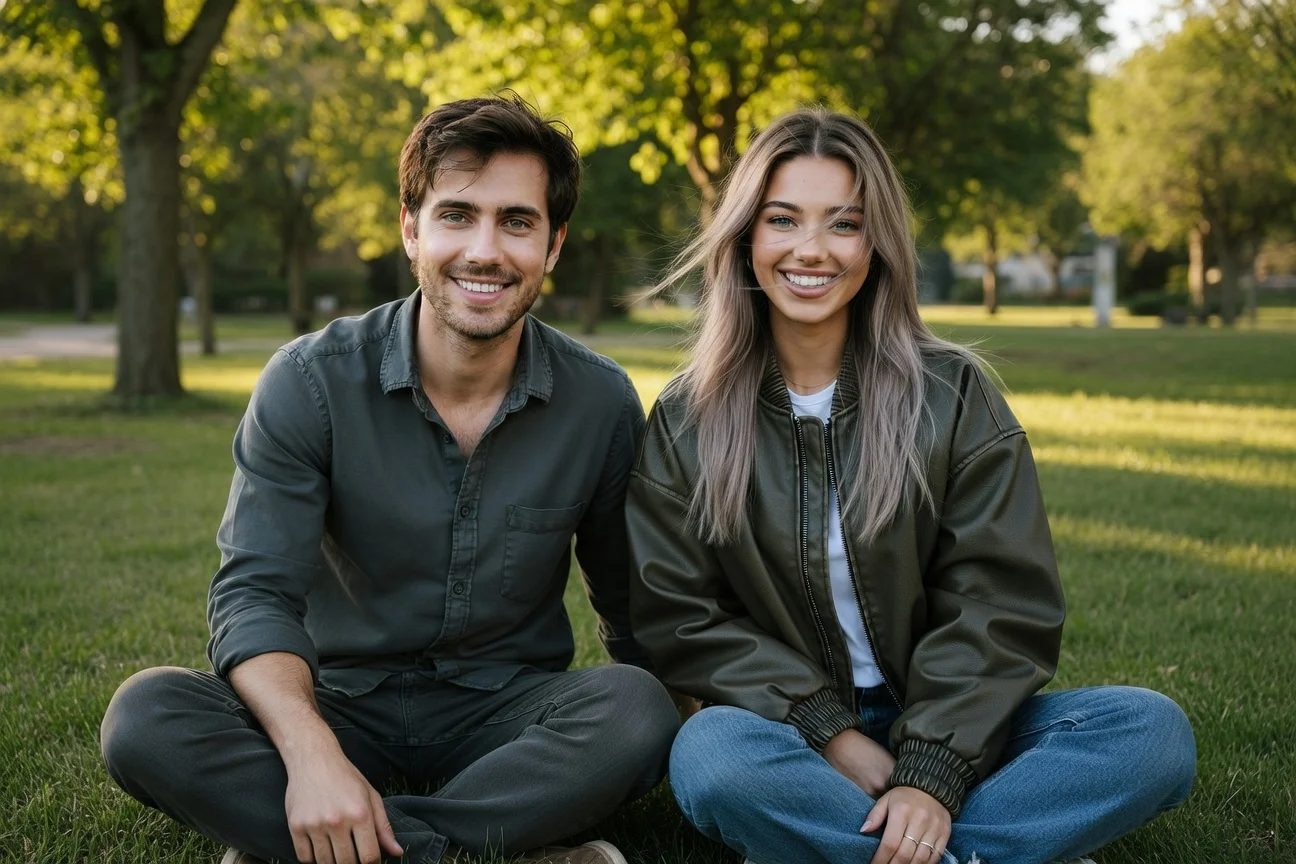
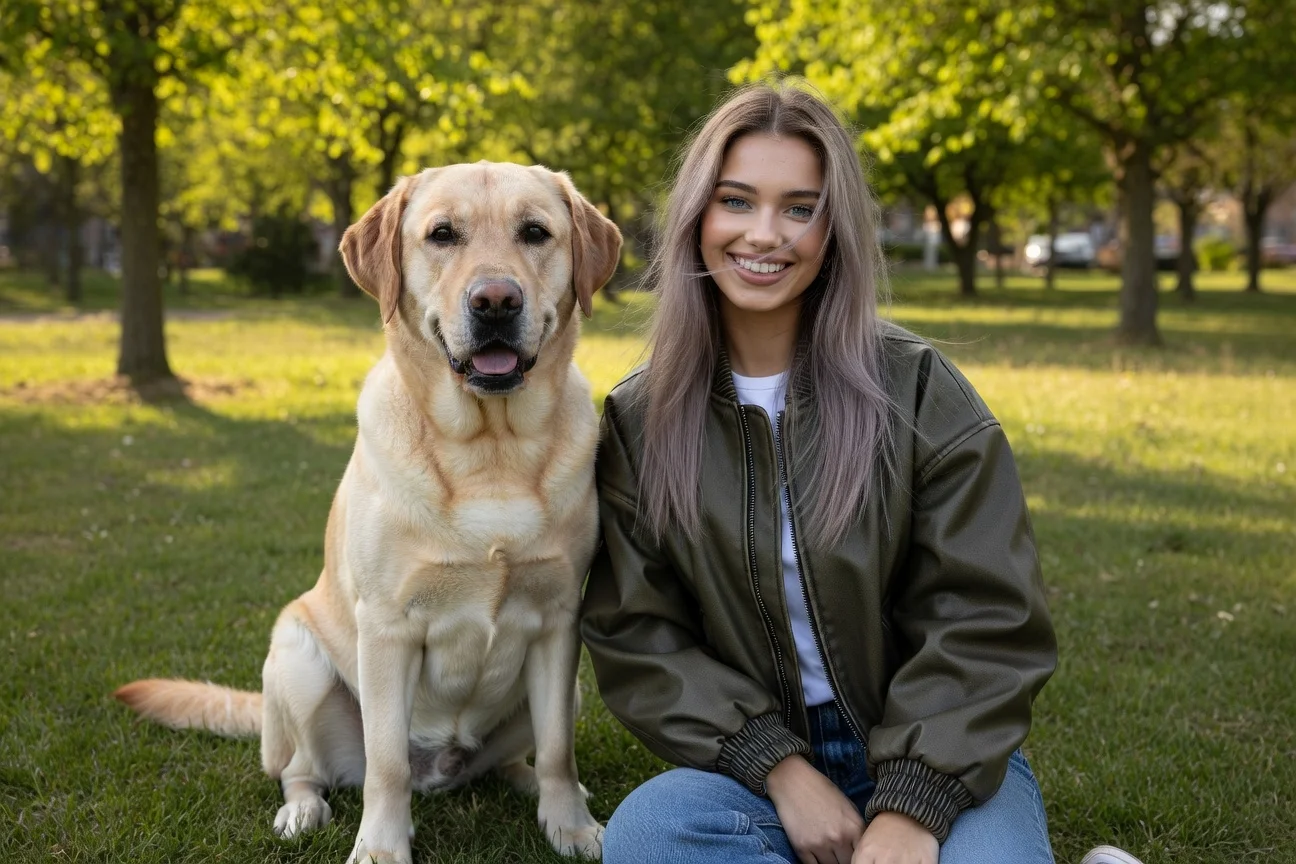
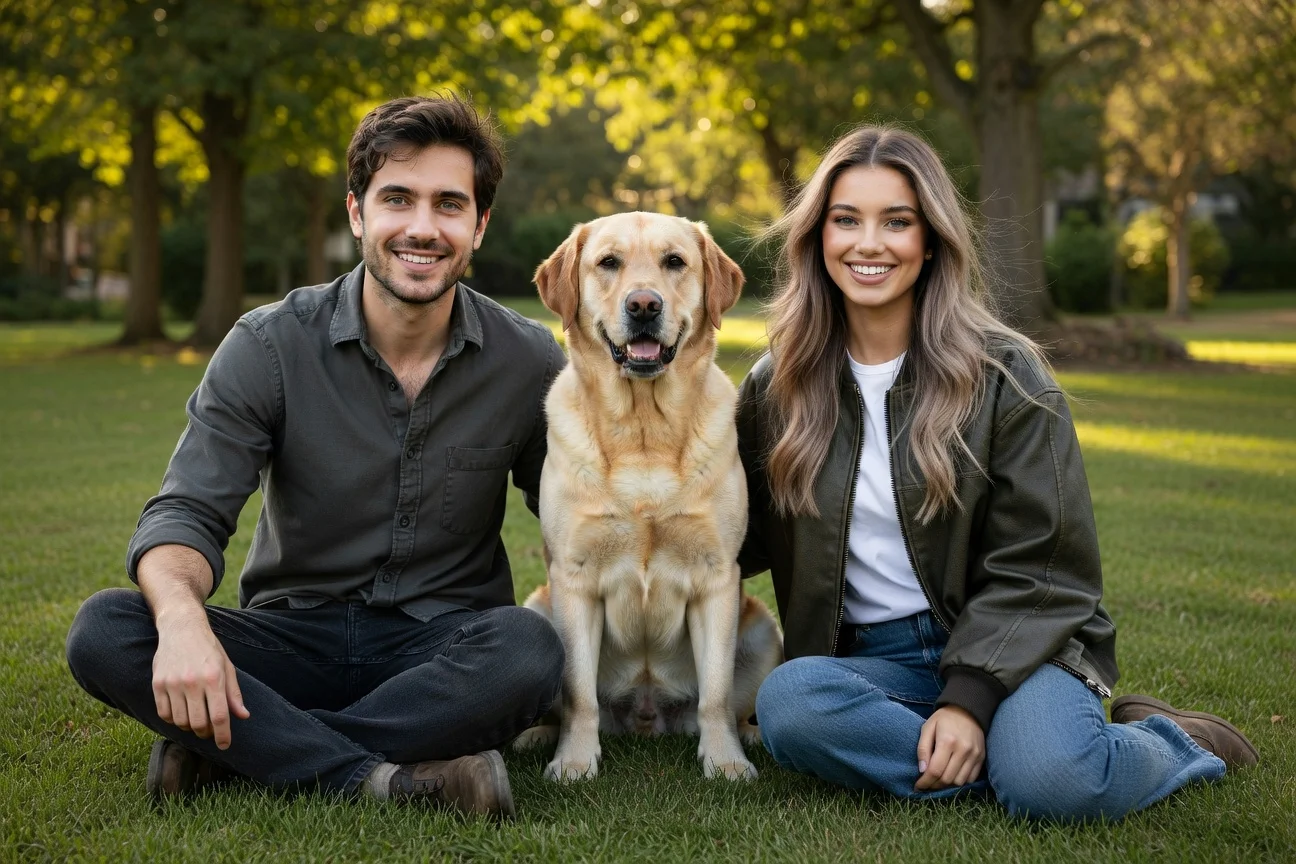
Select at least 2 source images
import xai_sdkclient = xai_sdk.Client()response = client.image.sample( prompt="Show all subjects sitting together on the grass in a sunny park. Casual relaxed mood, natural daylight, warm tones. No additional people or animals.", model="grok-imagine-image-quality", image_urls=[ "https://docs.x.ai/assets/api-examples/images/image-merge/woman.jpg", "https://docs.x.ai/assets/api-examples/images/image-merge/man.jpg", # "<image_url>", ], aspect_ratio="3:2",)print(response.url)Related
- Image Generation — Generate images from text prompts
- Image Editing — Edit a source image with natural language
- API Reference — Full endpoint documentation
- Imagine API Landing Page — Showcase of the Imagine API in action
Last updated: May 26, 2026