Model Capabilities
Image Editing
Edit an existing image by providing a source image along with your prompt. The model understands the image content and applies your requested changes.
The OpenAI SDK's images.edit() method is not supported for image editing because it uses multipart/form-data, while the xAI API requires application/json. Use the xAI SDK, Vercel AI SDK, or direct HTTP requests instead.
With the xAI SDK, use the same sample() method; just add the image_url parameter:
import base64
import xai_sdk

client = xai_sdk.Client()

# Load image from file and encode as base64
with open("photo.png", "rb") as f:
    image_data = base64.b64encode(f.read()).decode("utf-8")

response = client.image.sample(
    prompt="Render this as a pencil sketch with detailed shading",
    model="grok-imagine-image-quality",
    image_url=f"data:image/png;base64,{image_data}",
)

print(response.url)
You can provide the source image as:
- A public URL pointing to an image
- A base64-encoded data URI (e.g.,
data:image/jpeg;base64,...) - A
file_idfrom the Files API — see Imagine → Files API Integration
Multi-turn editing
Chain multiple edits together by using each output as the input for the next. This enables iterative refinement; start with a base image and progressively add details, adjust styles, or make corrections.



import xai_sdkclient = xai_sdk.Client()response = client.image.sample( prompt="A modern living room with large windows overlooking the city", model="grok-imagine-image-quality",)print(response.url)Style transfer
The grok-imagine-image-quality model supports a wide range of visual styles, from ultra-realistic photography to anime, oil paintings, and pencil sketches. Transform existing images by describing the desired aesthetic in your prompt.
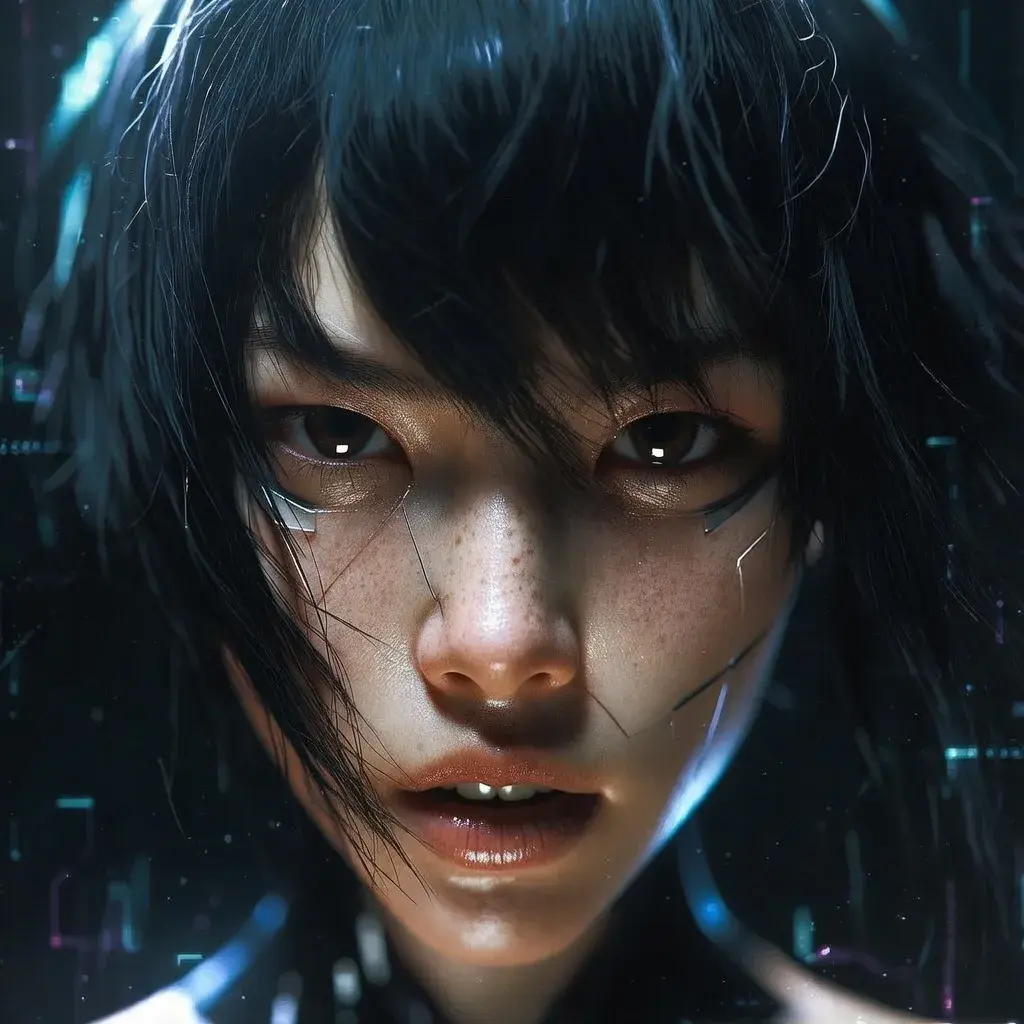
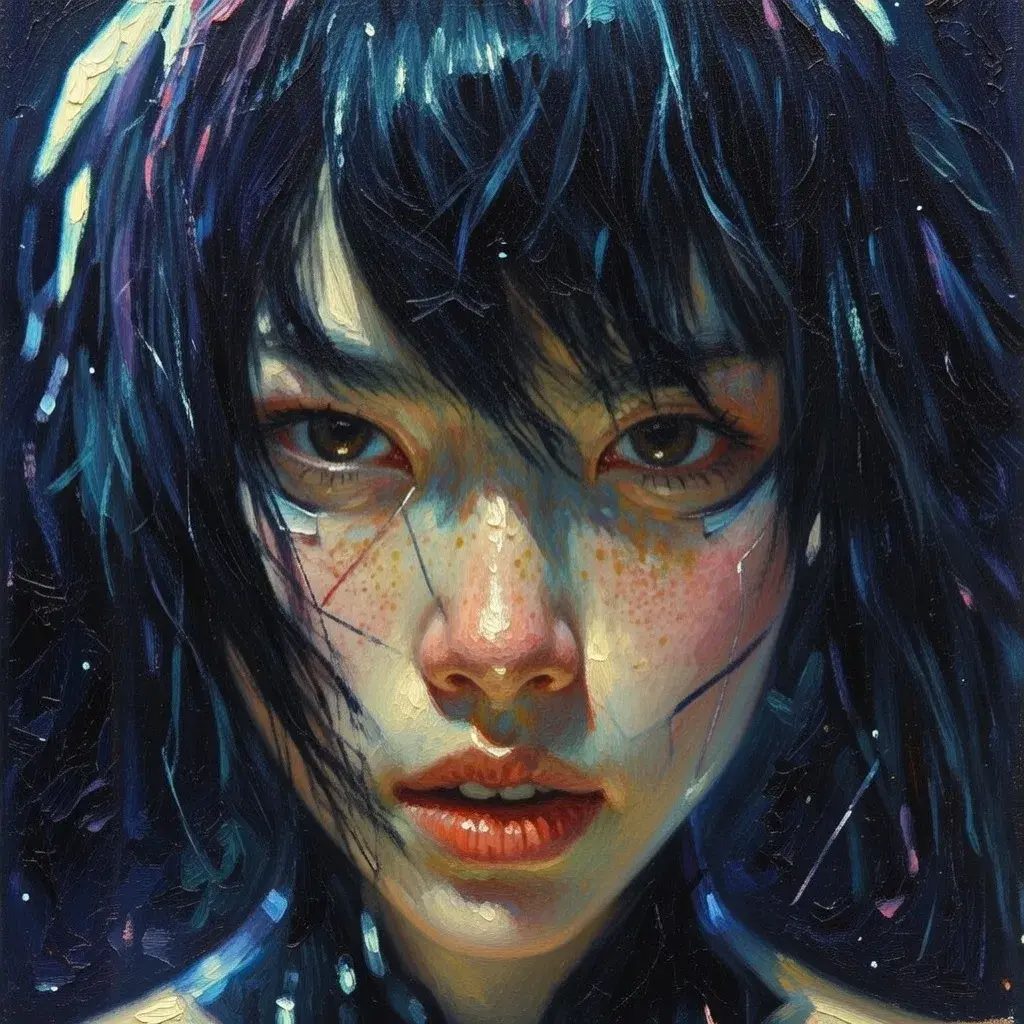
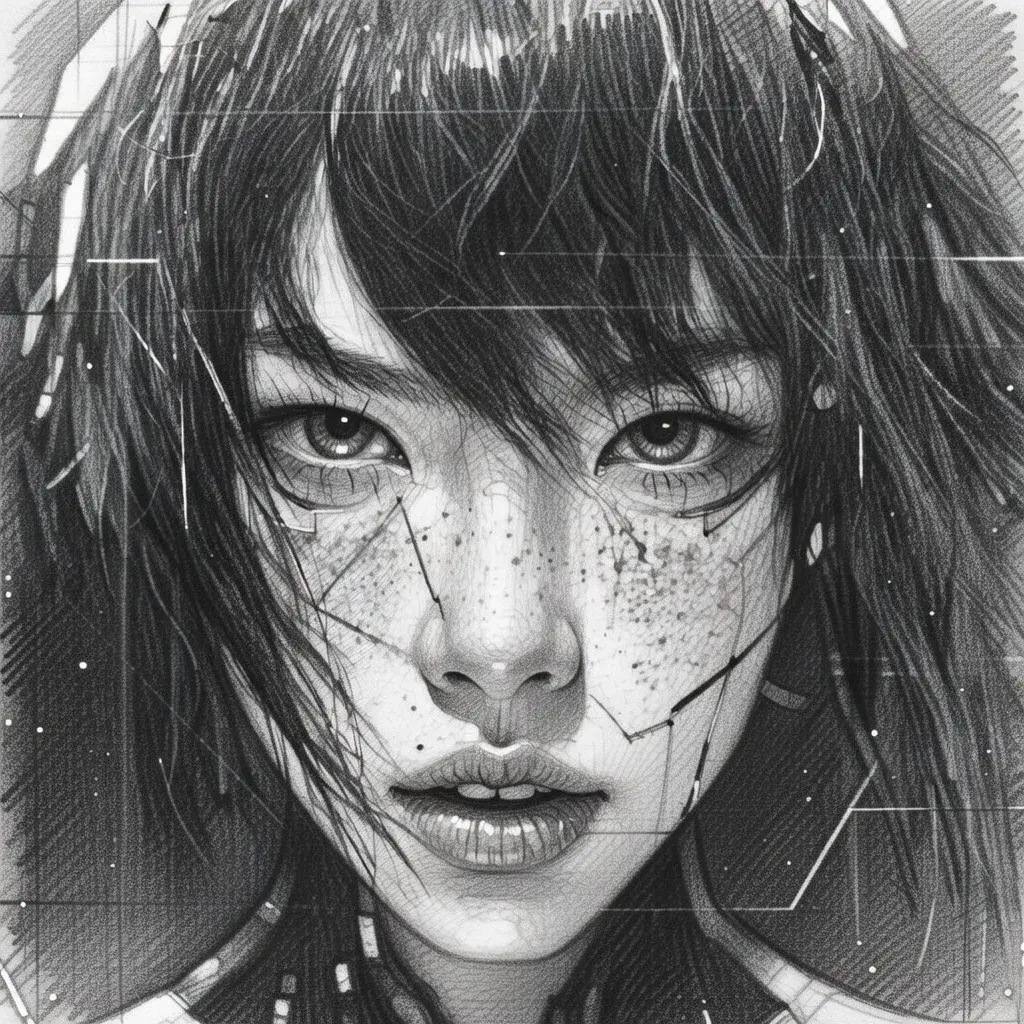
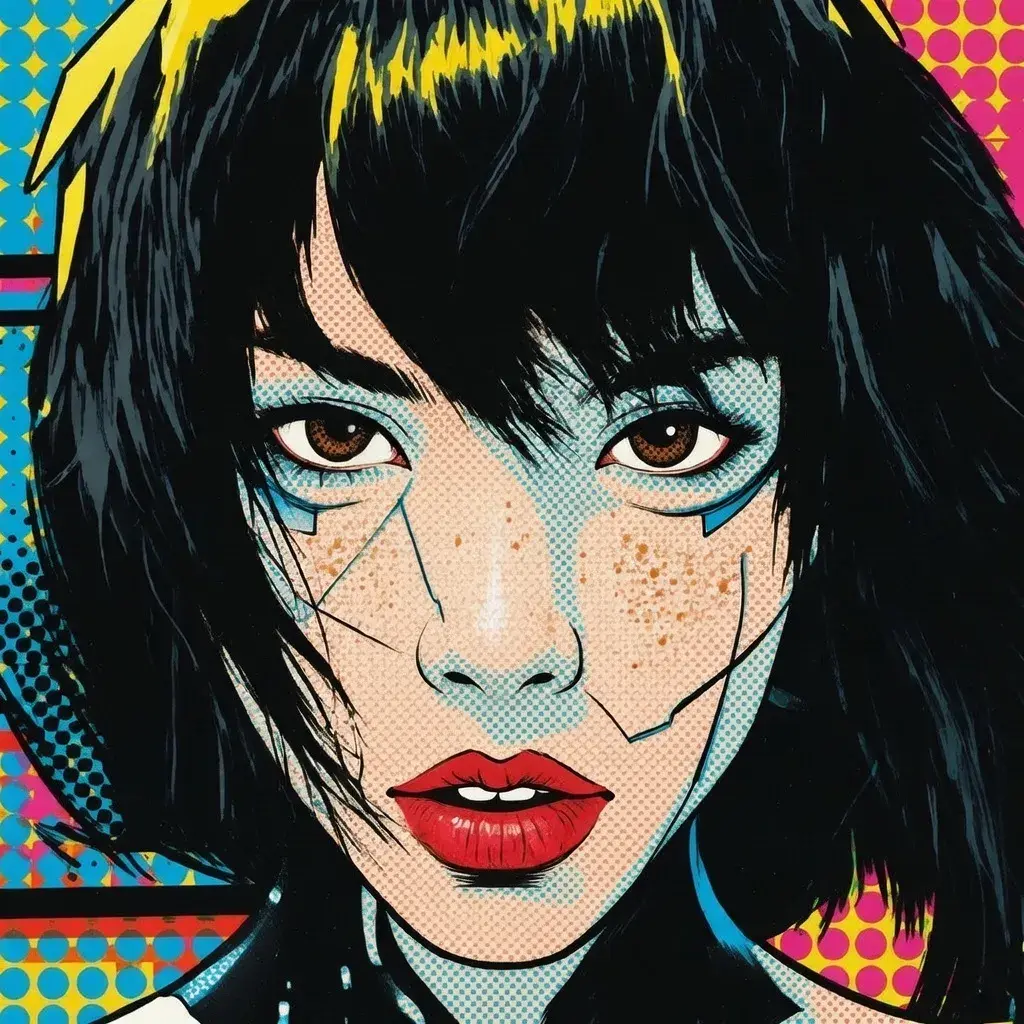
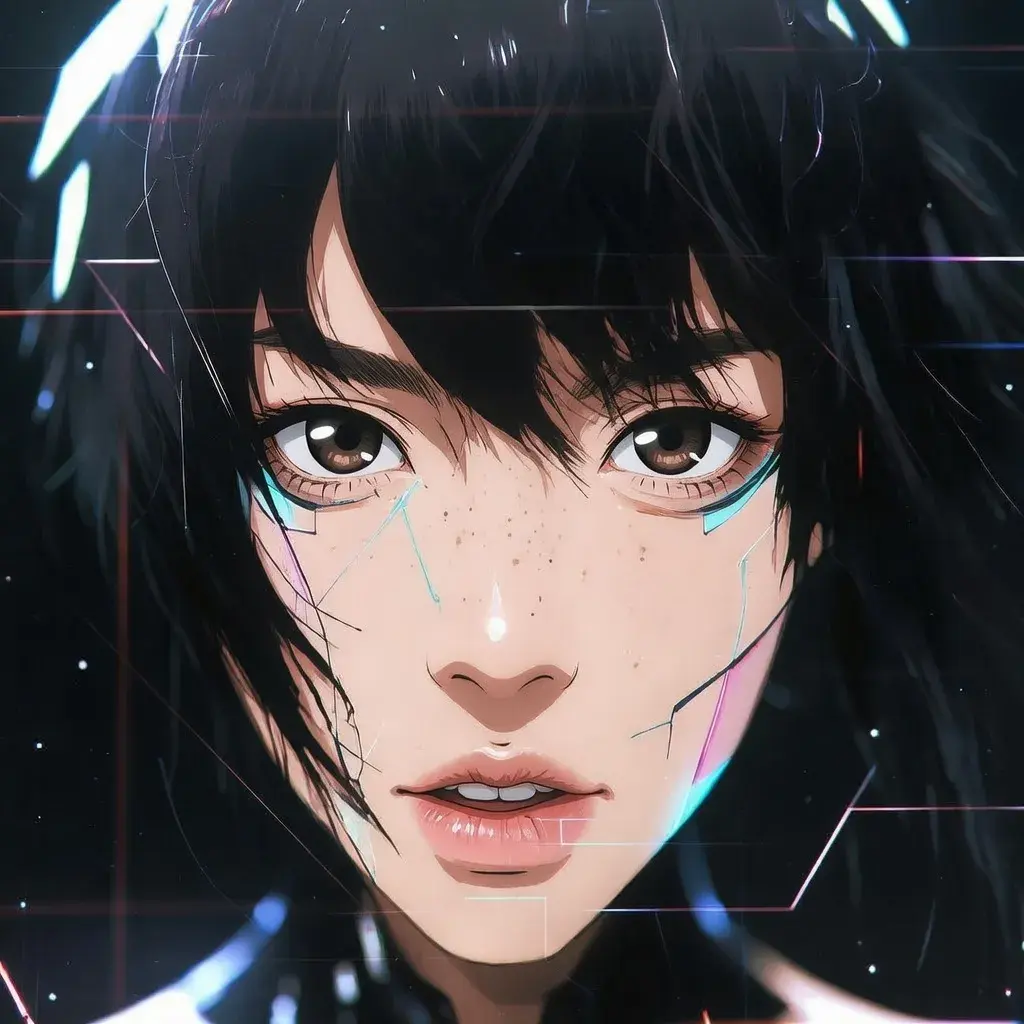
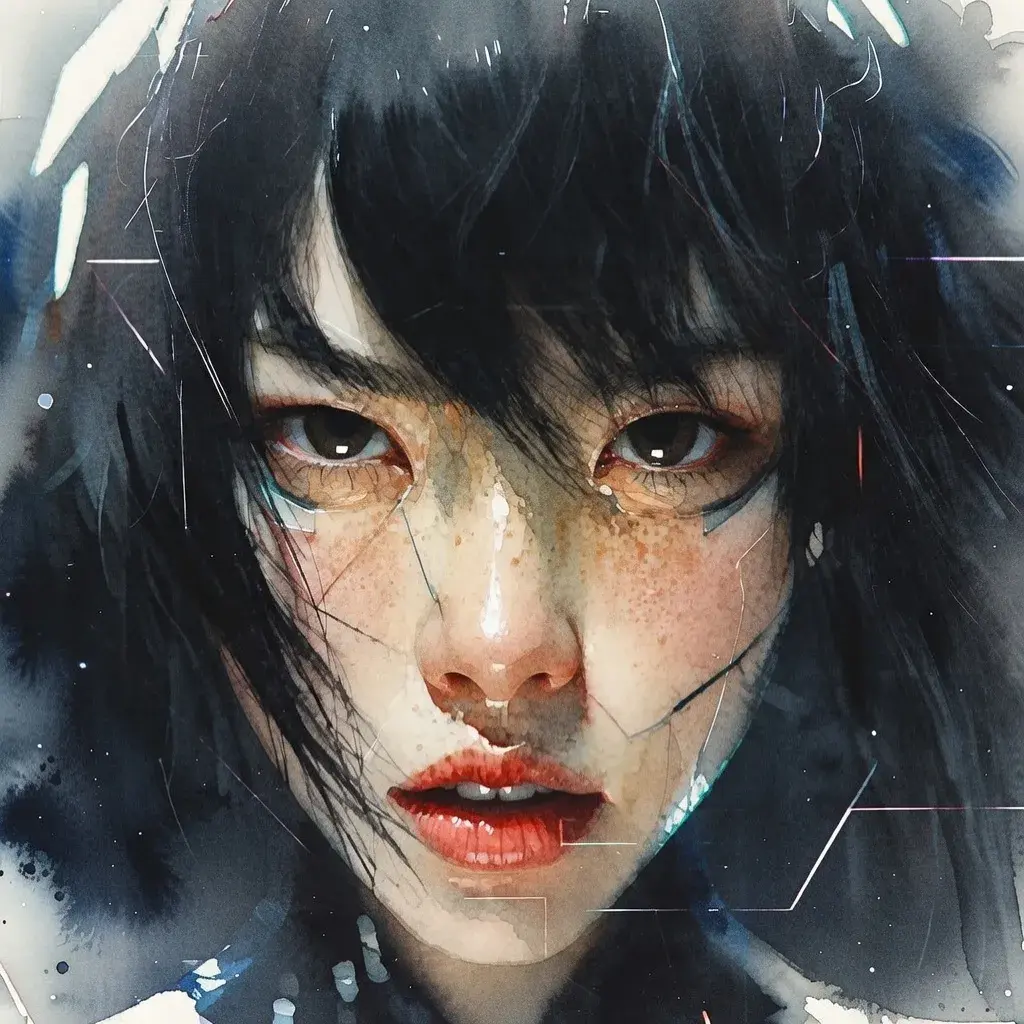
import xai_sdkclient = xai_sdk.Client()response = client.image.sample( prompt="Render this image as an oil painting in the style of impressionism", model="grok-imagine-image-quality", image_url="https://docs.x.ai/assets/api-examples/images/style-realistic.png",)print(response.url)Related
- Image Generation — Generate images from text prompts
- Multi-Image Editing — Edit with multiple source images
- API Reference — Full endpoint documentation
- Imagine API Landing Page — Showcase of the Imagine API in action
Last updated: May 26, 2026