Files & Collections
Using Collections via API
This guide walks you through managing collections programmatically using the xAI SDK and REST API.
Creating a Management Key
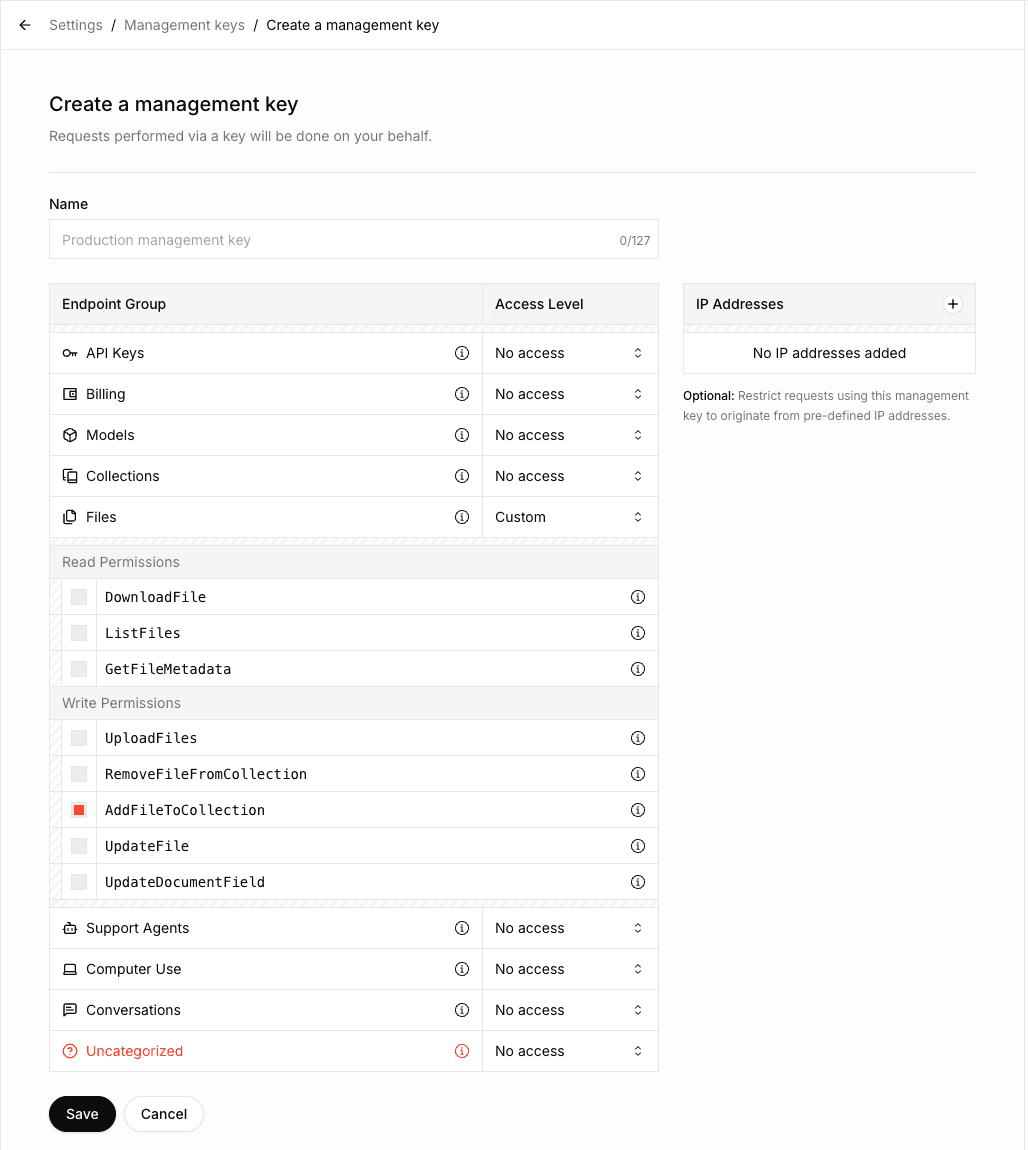
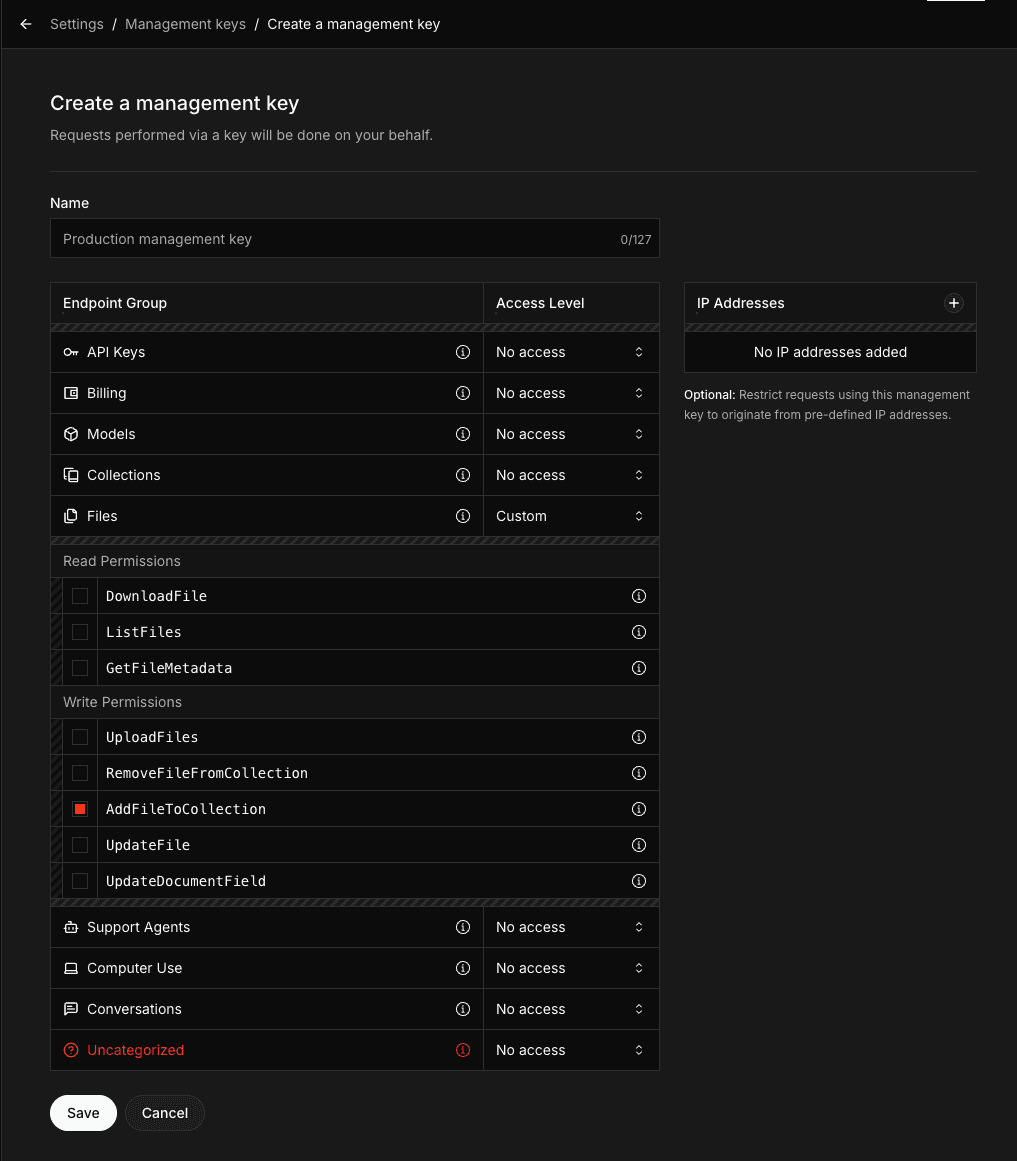
To use the Collections API, you need to create a Management API Key with the AddFileToCollection permission. This permission is required for uploading documents to collections.
- Navigate to the Management Keys section in the xAI Console
- Click on Create Management Key
- Select the
AddFileToCollectionpermission along with any other permissions you need - If you need to perform operations other than uploading documents (such as creating, updating, or deleting collections), enable the corresponding permissions in the Collections Endpoint group
- Copy and securely store your Management API Key
Make sure to copy your Management API Key immediately after creation. You won't be able to see it again.
Creating a collection
import os
from xai_sdk import Client
client = Client(
    api_key=os.getenv("XAI_API_KEY"),
    management_api_key=os.getenv("XAI_MANAGEMENT_API_KEY"),
    timeout=3600,
)

collection = client.collections.create(
    name="SEC Filings",
)

print(collection)
Listing collections
# ... Create client
collections = client.collections.list()
print(collections)
Viewing collection configuration
# ... Create client
collection = client.collections.get("collection_dbc087b1-6c99-493d-86c6-b401fee34a9d")

print(collection)
Updating collection configuration
# ... Create client
collection = client.collections.update(
    "collection_dbc087b1-6c99-493d-86c6-b401fee34a9d",
    name="SEC Filings (New)"
)

print(collection)
Uploading documents
Uploading a document to a collection is a two-step process:
- Upload the file to the xAI API
- Add the uploaded file to your collection
# ... Create client
with open("tesla-20241231.html", "rb") as file:
    file_data = file.read()

document = client.collections.upload_document(
    collection_id="collection_dbc087b1-6c99-493d-86c6-b401fee34a9d",
    name="tesla-20241231.html",
    data=file_data,
)
print(document)
Uploading with metadata fields
If your collection has metadata fields defined (the collection must have these fields set in field_definitions when created or updated - see the linked metadata page for details), include them using the fields parameter:
# ... Create client
with open("paper.pdf", "rb") as file:
    file_data = file.read()

document = client.collections.upload_document(
    collection_id="collection_dbc087b1-6c99-493d-86c6-b401fee34a9d",
    name="paper.pdf",
    data=file_data,
    fields={
        "author": "Sandra Kim",
        "year": "2024",
        "title": "Q3 Revenue Analysis"
    },
)
print(document)
Searching documents
You can also search documents using the Responses API with the file_search tool. See the Collections Search Tool guide for more details.
# ... Create client
response = client.collections.search(
    query="What were the key revenue drivers based on the SEC filings?",
    collection_ids=["collection_dbc087b1-6c99-493d-86c6-b401fee34a9d"],
)
print(response)
Search modes
There are three search methods available:
- Keyword search
- Semantic search
- Hybrid search (combines both keyword and semantic methods)
By default, the system uses hybrid search, which generally delivers the best and most comprehensive results.
| Mode | Description | Best for | Drawbacks |
|---|---|---|---|
| Keyword | Searches for exact matches of specified words, phrases, or numbers | Precise terms (e.g., account numbers, dates, specific financial figures) | May miss contextually relevant content |
| Semantic | Understands meaning and context to find conceptually related content | Discovering general ideas, topics, or intent even when exact words differ | Less precise for specific terms |
| Hybrid | Combines keyword and semantic search for broader and more accurate results | Most real-world use cases | Slightly higher latency |
The hybrid approach balances precision and recall, making it the recommended default for the majority of queries.
An example to set hybrid mode:
Bash
curl https://api.x.ai/v1/documents/search \
  -H "Content-Type: application/json" \
  -H "Authorization: Bearer $XAI_API_KEY" \
  -d '{
      "query": "What were the key revenue drivers based on the SEC filings?",
      "source": {
          "collection_ids": [
              "collection_dbc087b1-6c99-493d-86c6-b401fee34a9d"
          ]
      },
      "retrieval_mode": {"type": "hybrid"}
}'
You can set "retrieval_mode": {"type": "keyword"} for keyword search and "retrieval_mode": {"type": "semantic"} for semantic search.
Deleting a document
# ... Create client

client.collections.remove_document(
    collection_id="collection_dbc087b1-6c99-493d-86c6-b401fee34a9d",
    file_id="file_55a709d4-8edc-4f83-84d9-9f04fe49f832",
)
Deleting a collection
# ... Create client

client.collections.delete(collection_id="collection_dbc087b1-6c99-493d-86c6-b401fee34a9d")
Next Steps
Metadata Fields
Learn how to attach structured attributes to documents for filtering and contextual embeddings
Last updated: May 25, 2026