Key Information
Manage Billing
Ensure you are in the desired team before changing billing information. Changes made to a team will affect all users in that team.
There are two billing options:
- Prepaid credits: Pre-purchase credits for your team. API consumption will be deducted from this credit balance.
- Monthly invoiced billing: Receive an invoice for your API consumption at the end of the month. If you don't have sufficient prepaid credits, your default payment method will be charged.
Monthly invoiced billing is disabled by default. To request this, contact sales@x.ai, or use the contact link on the Billing page:


Prepaid credits
This is the most common way to use the API, and allows you to control spending by purchasing credits in advance. Your usage can then be monitored on the Usage explorer page.
Purchase credits via Billing -> API spend management.
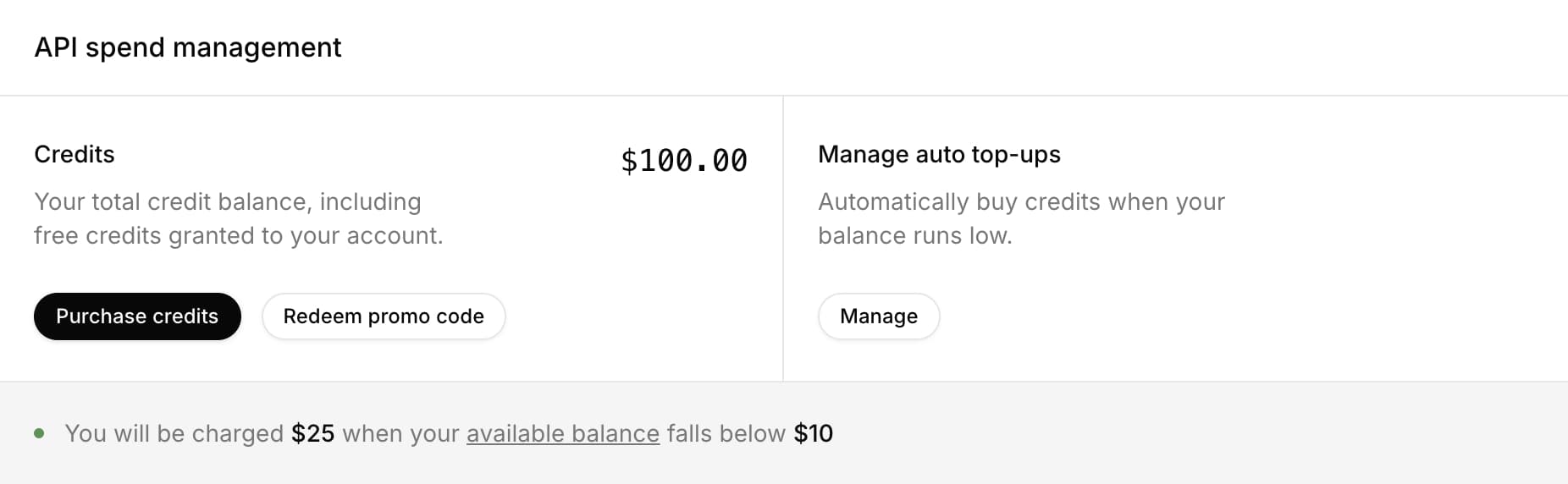
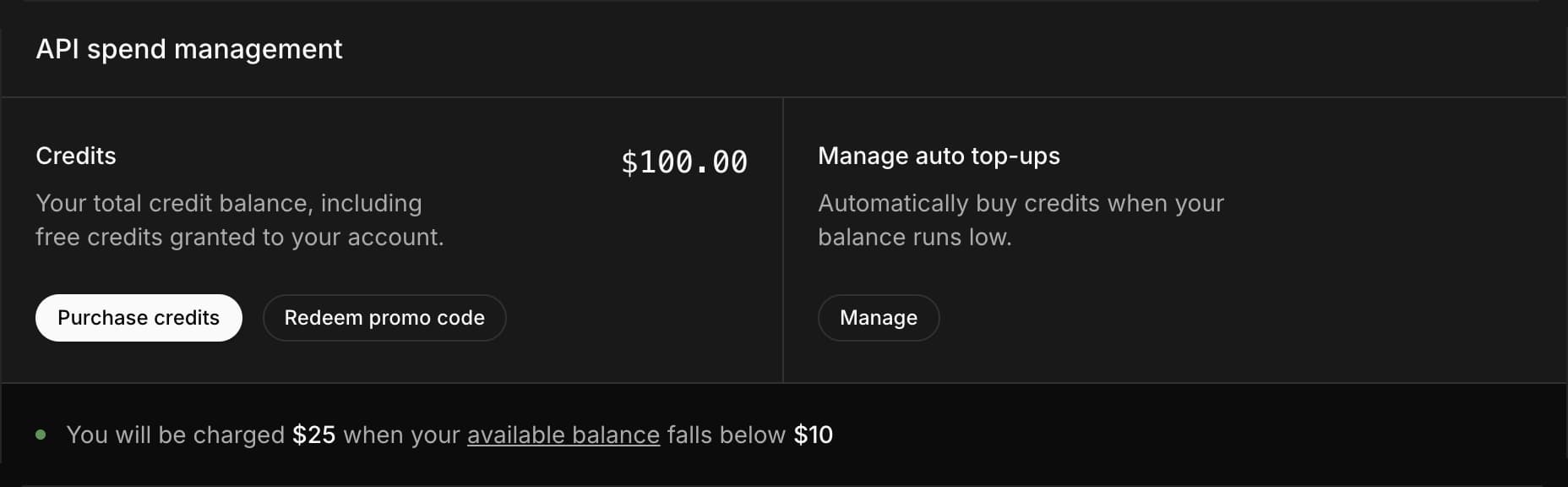
From here you can also view your credit balance, and use a promo code if you have one.
Note: When you make the purchase via bank transfer instead of credit card, the payment will take 2-3 business days to process. You will be granted credits after the process has completed.
Currently you can only purchase prepaid credits via Guest Checkout due to regulatory requirements.
Auto top-up
Auto top-ups automatically purchase more API credits when your balance drops below a set threshold.
We recommend enabling this to avoid service interruptions. This can be disabled at any time.
You can configure:
- The credit balance your team needs to drop to in order to trigger a top-up.
- The top-up amount of credits that will be purchased (minimum $25).
- The maximum total value of top-ups that are allowed per month.
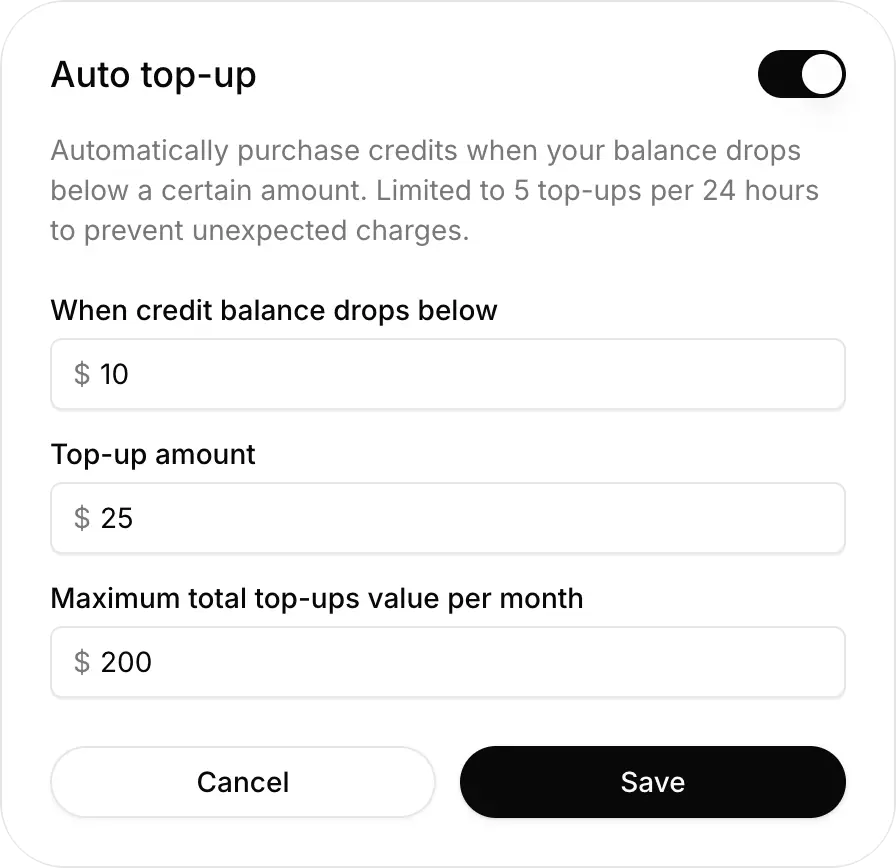
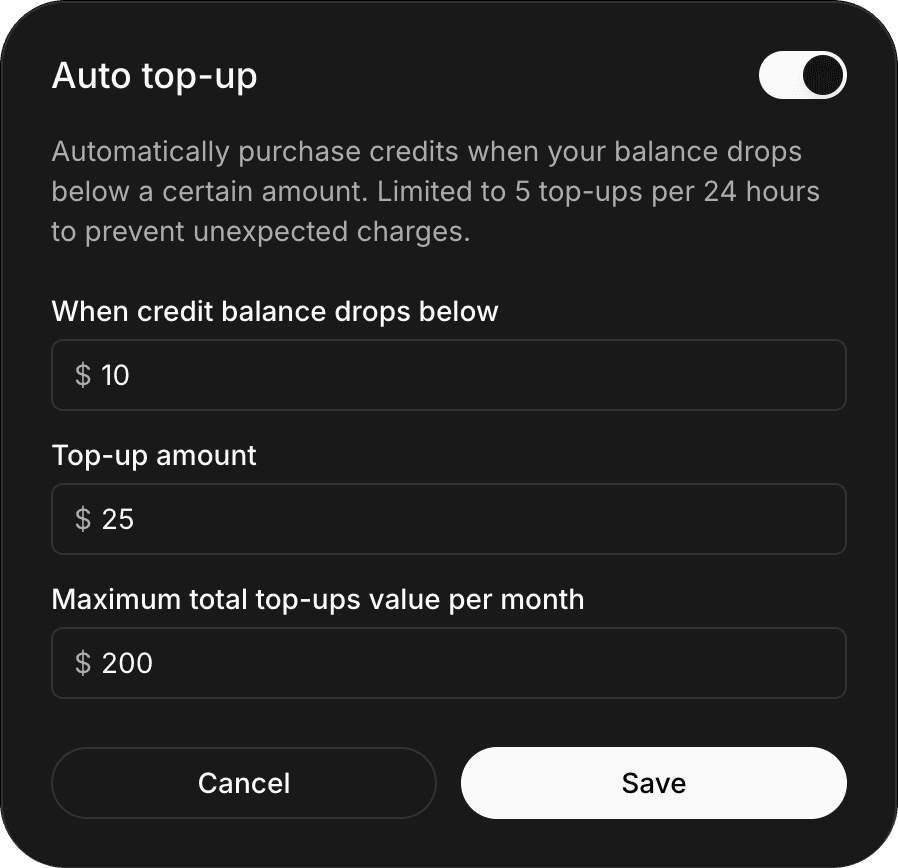
There is a limit of 5 top-ups per 24 hours to avoid unexpectedly large spend.
Please ensure the amount per top-up and total top-ups values are sufficient for your monthly usage.
Warnings are shown on the API spend management card when you're close to a spending limit:
- When you’ve used 80% of the total monthly limit that you set.
- When you only have 1 of the 5 top-ups per 24 hours left.
Monthly invoiced billing and invoiced billing limit
Enterprise customers might find it beneficial to enroll in monthly invoiced billing to avoid disruption to their services.
When you have set a $0 invoiced billing limit (default), xAI will only use your available prepaid credits. Your API requests will be automatically rejected once your prepaid credits are depleted.

If you want to use monthly billing, you can increase your invoiced billing limit on Billing -> API Credits page. xAI will attempt to use your prepaid credits first, and the remaining amount will be charged to your default payment method at the end of the month. This ensures you won't experience interruption while consuming the API.

Once your monthly invoiced billing amount has reached the invoiced billing limit, you won't be able to get a response until you have raised the invoiced billing limit.
Saving payment method
When you make a purchase, we automatically keep it on file to make your next purchase easier. You can also manually add payment method on xAI Console Billing -> Billing details -> Add Payment Information.
Currently we don't allow users to remove the last payment method on file. There might be changes in the future.
Invoices
You can view your invoices for prepaid credits and monthly invoices on Billing -> Invoices.
Billing address and tax information
Enter your billing information carefully, as it will appear on your invoices. We are not able to regenerate the invoices at the moment.
Your billing address and tax information will be displayed on the invoice. On Billing -> Payment, you can also add/change your billing address. When you add/change billing address, you can optionally add your organization's tax information.
Last updated: May 1, 2026